


A Friendly, Step-by-Step Guide for Non-Technical Users
Blog > Flipbook Maker > Comprehensive Guide to Creating Animated Content for Flipbooks with Visual Paradigm Online’s Flipbook Maker
Introduction
Hello there! 👋 If you’ve ever wanted to create beautiful, interactive digital books that flip like real pages—but without needing to be a tech expert—you’re in the right place.
Visual Paradigm Online’s Flipbook Maker is designed for people just like you: creative, busy, and ready to share great content without wrestling with complicated software. Whether you’re a teacher, small business owner, marketer, or hobbyist, this guide will walk you through making animated, engaging flipbooks—step by step, in plain language.
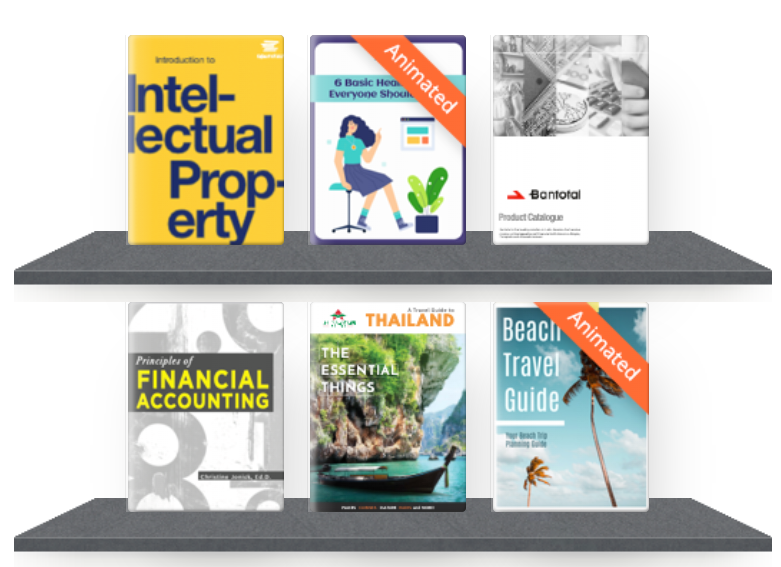
Why You’ll Love Visual Paradigm Online’s Flipbook Maker (No Tech Degree Required!)
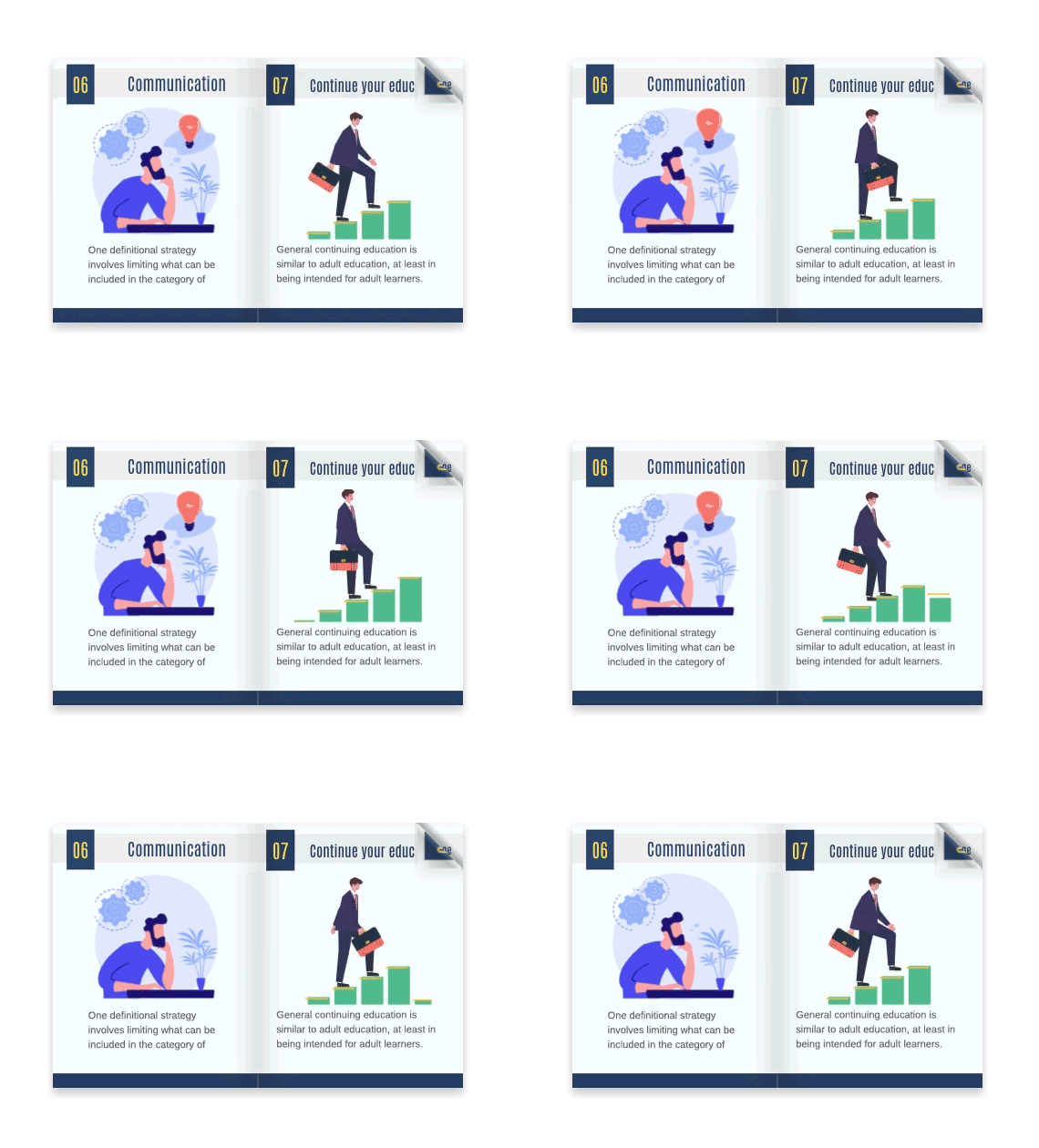
✨ 1. Realistic Page-Flip Effect
Imagine your readers gently turning pages on their screen—just like a real book. That’s exactly what this tool does! The smooth flipping animation makes your content feel premium and keeps people reading longer.
🎨 2. Easy Customization (No Design Skills Needed)
Start from scratch or pick from ready-made templates. Change colors, fonts, and layouts with simple drag-and-drop tools. Add your logo, photos, or brand colors in just a few clicks.
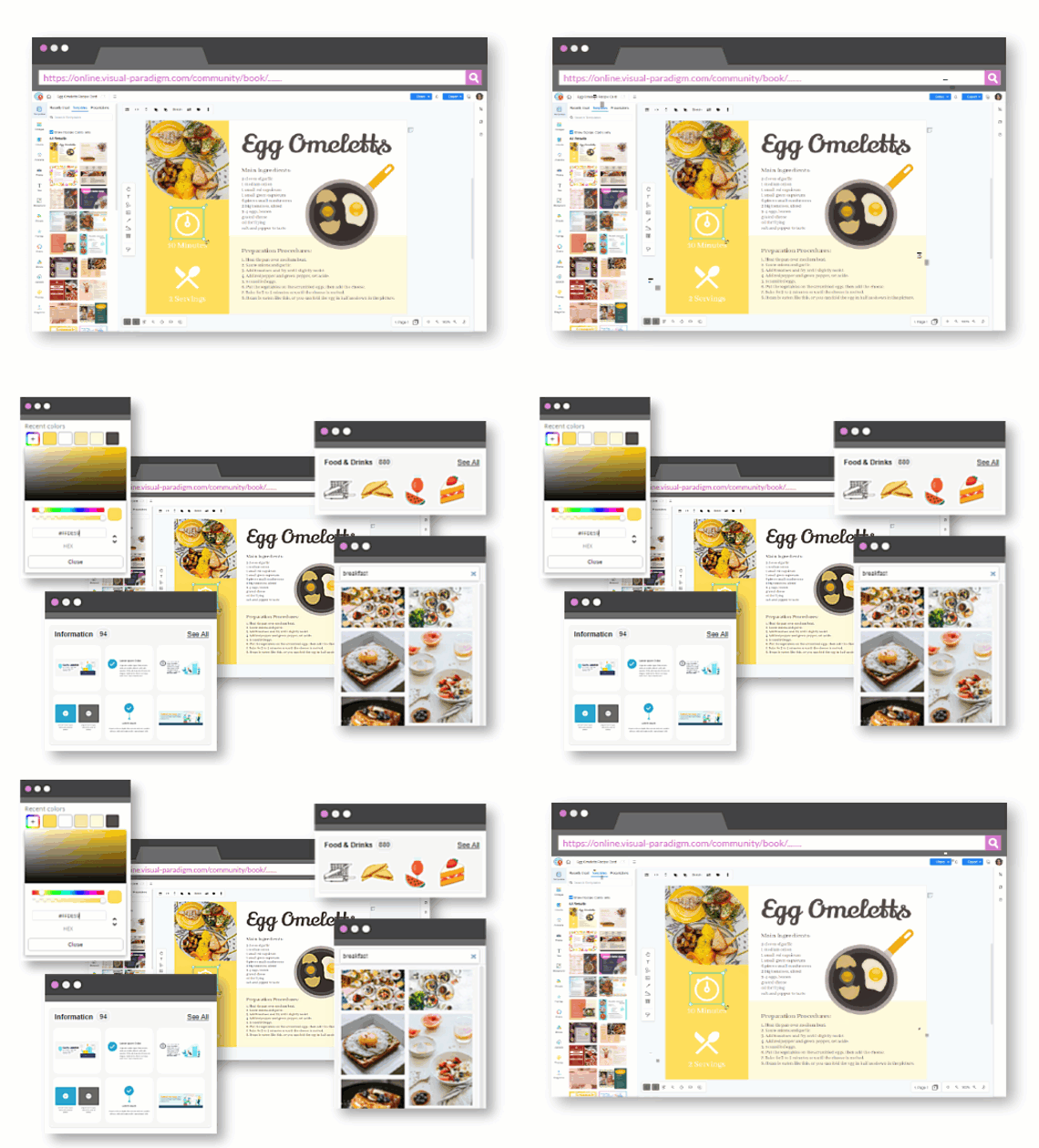
🎬 3. Add Videos, Sounds & Animations
Make your flipbook come alive! Insert short videos, background music, animated GIFs, or clickable links. Think of it like adding “special effects” to your story—fun and easy.

🔍 4. Built-In Help for Getting Found Online
Worried about people finding your flipbook? This tool includes simple SEO settings (that’s “search engine optimization”—fancy words for “helping Google find you”) and connects to Google Analytics so you can see what’s working.
📁 5. Works With Files You Already Have
Got a PDF, Word doc, PowerPoint, or even just photos? No problem. Upload them directly—no converting or reformatting needed.
🏠 6. Host It Your Way
Want your flipbook to live on your own website? You can! Or let Visual Paradigm host it for you. You’re in control.
Your Simple 6-Step Plan to Create an Animated Flipbook
Step 1: Get Started (It’s Free to Try!)
-
Sign Up: Go to Visual Paradigm Flipbook Maker and create a free account. It takes less than 2 minutes.
-
Watch the Quick Start Guide: New to this? The Quick Start Guide walks you through your first flipbook with screenshots and simple instructions.
Step 2: Pick a Template or Start Fresh
-
Browse the template library for ideas (catalogs, training manuals, lookbooks, and more).
-
Love a template? Click “Use This Template” and make it yours.
-
Prefer to start blank? No worries—you’ve got full creative freedom.
Step 3: Make It Yours (Drag, Drop, Done!)
-
Change colors & fonts: Pick from easy-to-read options or match your brand.
-
Add your content: Type text, upload images, or paste from your existing documents.
-
Insert your logo: Just upload and place it where you like.
Step 4: Add Interactive & Animated Elements (The Fun Part!)
-
Add videos or audio: Click the “Insert” button, choose “Video” or “Audio,” and paste a link or upload a file.
-
Make things clickable: Highlight text or an image, then add a link to another page or your website.
-
Bring in animations:
-
Use AniFuzion to add friendly 2D or 3D characters that move and talk.
-
Add simple animations to text or images (like a gentle fade-in or bounce) to draw attention.
-
💡 Pro Tip for Non-Techies: Start small! Add one animation or video first. Once you’re comfortable, try more.
Step 5: Publish & Share (Go Live in Minutes)
-
Click Publish when you’re happy with your flipbook.
-
Choose:
-
Host with Visual Paradigm (fast and easy), or
-
Self-host (if you want it on your own website).
-
-
Copy your flipbook’s link—or get an embed code to add it to your blog or website.
Step 6: See What’s Working (Simple Analytics)
-
Check your dashboard to see:
-
How many people viewed your flipbook
-
Which pages they spent time on
-
What links they clicked
-
-
Use these insights to improve your next flipbook!
Tips for Reviewing & Sharing Your Flipbook
✅ Before You Share:
-
Preview your flipbook on both desktop and mobile.
-
Ask a friend to test the links and animations.
-
Double-check spelling and image quality.
✅ Sharing Made Simple:
-
Email: Paste your flipbook link in newsletters or personal messages.
-
Social Media: Share on LinkedIn, Facebook, or Instagram with a short, catchy caption.
-
Website: Embed your flipbook directly so visitors can browse without leaving your site.
-
QR Codes: Generate a QR code for printed materials—scan to view instantly!
✅ Encourage Feedback:
-
Add a short survey or contact link at the end.
-
Ask readers: “What did you enjoy most?” or “What would you like to see next?”
Ready-to-Use Templates to Jumpstart Your Project
Why start from zero? Fliplify offers beautiful, pre-designed templates you can customize in minutes:
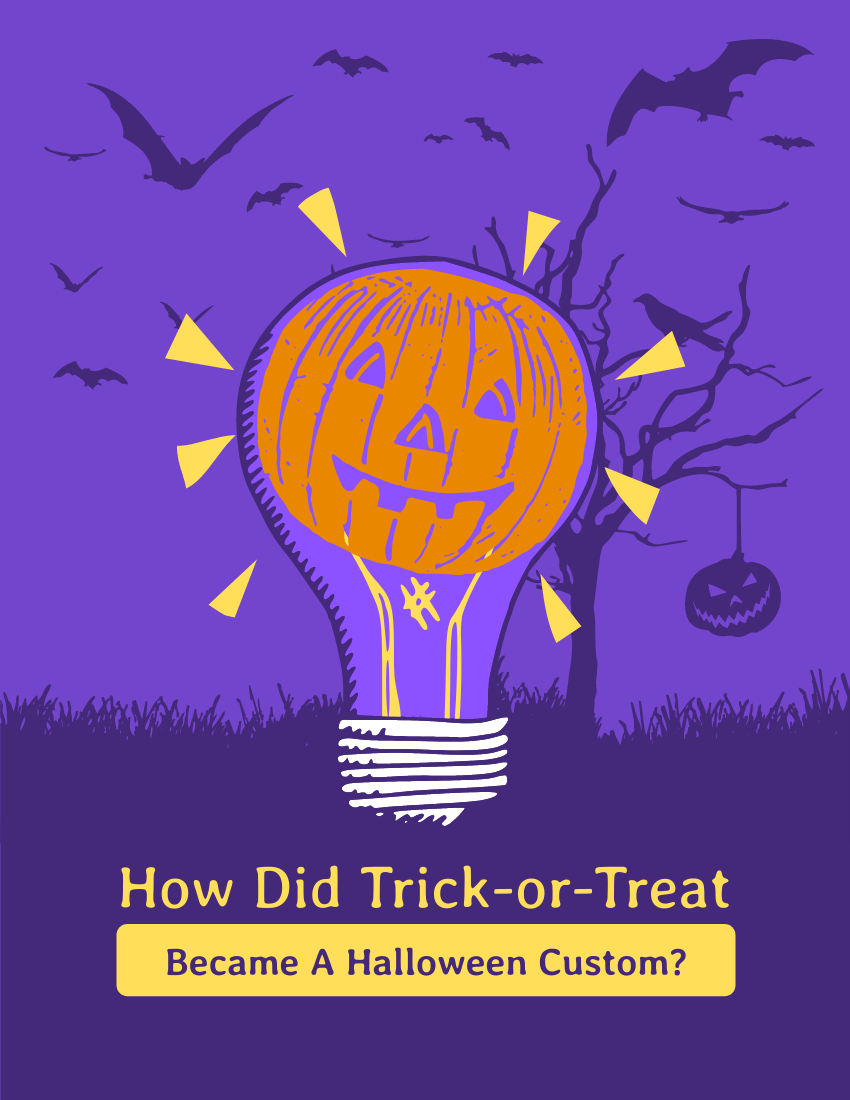
How Did Trick-or-Treat Become a Halloween Custom?
Edit this template

Elegant Accessories Lookbook
Edit this template
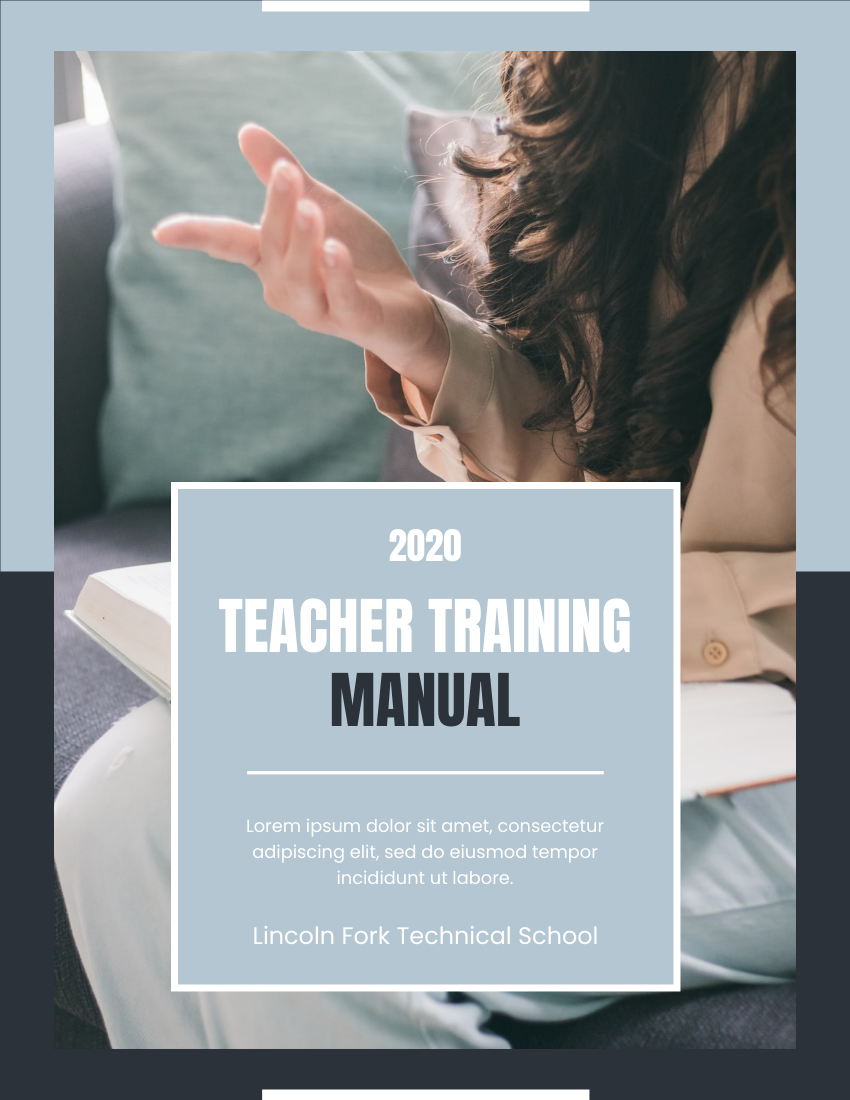
Teaching Training Manual
Edit this template)

Professional Kindergarten Prospectus
Edit this template)
Final Thoughts
Creating a professional, animated flipbook doesn’t require coding skills, a big budget, or hours of training. With Visual Paradigm Online’s Flipbook Maker, you get powerful features wrapped in a friendly, intuitive interface—designed for real people with real goals.
Whether you’re sharing a product catalog, teaching a lesson, telling your brand story, or just having fun, your flipbook can be beautiful, interactive, and uniquely yours.
🌟 Ready to give it a try? Start creating your flipbook today—no experience needed!
Reference List: Helpful Resources & Links
Visual Paradigm Online Flipbook Maker: The main platform where you can create, customize, and publish interactive digital flipbooks with no coding required.
Flipbook Maker Quick Start Guide: A beginner-friendly walkthrough that shows you how to design, publish, and share your first flipbook step by step.
Free Online Flipbook Maker: Learn how to add interactive elements like links, videos, and animations to make your flipbooks more engaging.
Setting the Standard for Digital Publishing: An insightful blog post explaining what makes Visual Paradigm’s Flipbook Maker stand out from other tools.
The Ultimate Online Flipbook Creator: Discover how to bring your flipbooks to life with animated 2D and 3D characters using AniFuzion integration.
Flipbook Creator and PDF Editing Features: Explore the full set of tools available in Fliplify for creating, editing, and enhancing interactive flipbooks.
Creating Infographic-Style Flipbooks: A Step-by-Step Guide with Fliplify: A practical tutorial for designing visually rich, infographic-inspired flipbooks that communicate ideas clearly and beautifully.
Happy flipping! 📘✨
Your friendly guide to making digital content that people love to explore.
Related posts:
 🎬 The Complete User Journey: Creating Animated Flipbooks with Visual Paradigm Online’s Flipbook Maker
 AI-Powered SysML Parametric Diagrams Made Easy: Build, Refine, and Document with Visual Paradigm
 Case Study: UML State Machine Diagram for a Vending Machine System – Using PlantUML & Visual Paradigm AI to Model Real-World Behavior
 From Blank Canvas to Enterprise-Ready Architecture: My Journey with Visual Paradigm’s AI-Powered Ecosystem