
Introduction
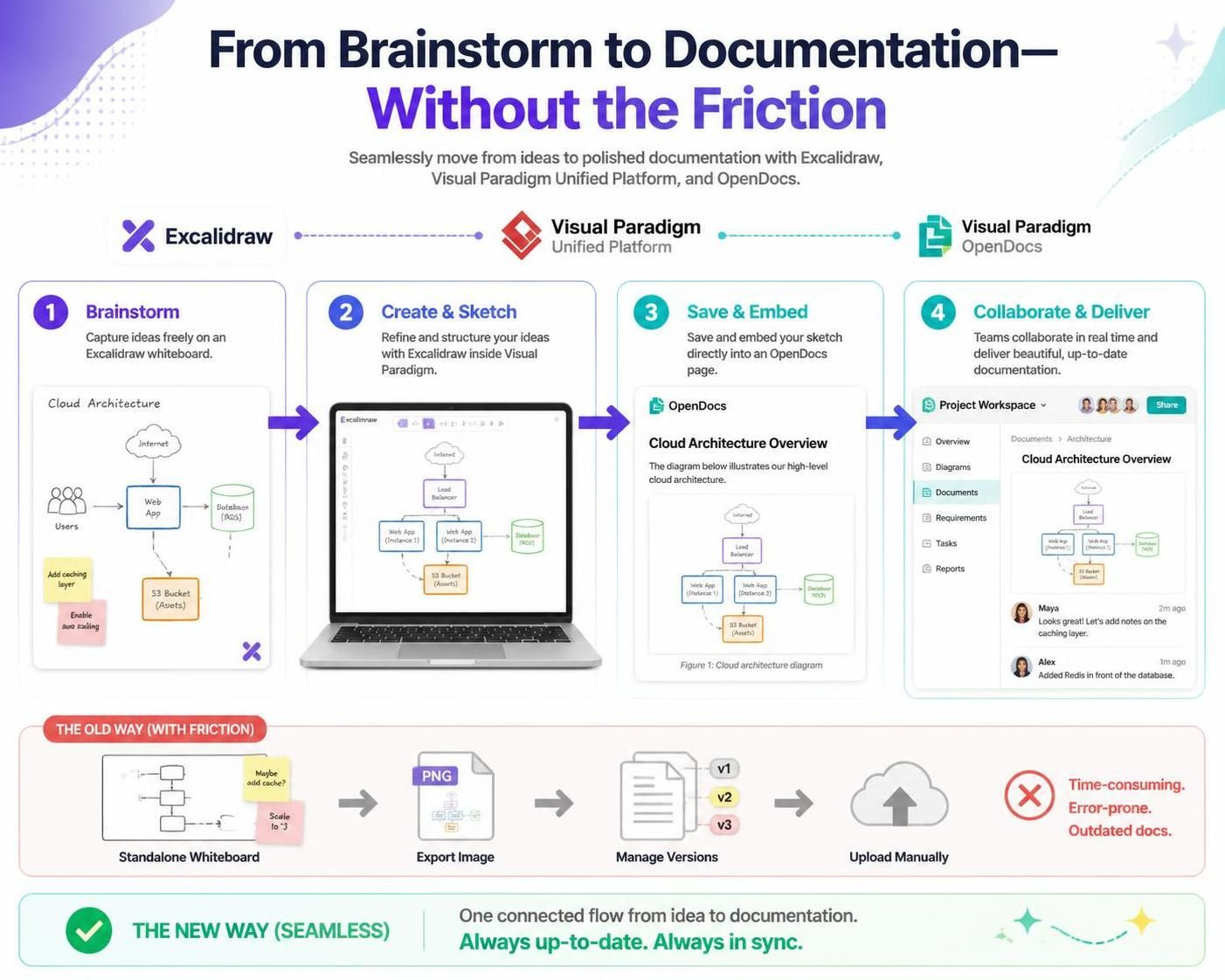
In the fast-paced world of modern product development, software architecture, and agile project management, teams constantly navigate two distinct modes of thinking: the fluid, unstructured freedom of brainstorming and the structured clarity of formal documentation. Too often, bridging this gap requires an exhausting workflow of sketching ideas on a standalone whiteboard tool, exporting images, managing file versions, and manually uploading them into project wikis or requirements documents. This friction not only slows down delivery but also creates silos between creative ideation and technical execution.
Today, Visual Paradigm addresses this challenge head-on with a powerful new integration: native Excalidraw support directly within the Unified Platform and Visual Paradigm OpenDocs. By combining a premier online diagram editor with a comprehensive workspace and documentation suite, teams can now conceptualize, sketch, save, and embed visual assets without ever leaving their workflow. Whether you are mapping out complex cloud topologies, designing user onboarding flows, or building interactive mind maps, this integration transforms how technical and creative teams collaborate.
Why This Integration is a Game-Changer for Agile Development Teams
Agile methodologies thrive on rapid iteration, clear communication, and minimal waste. The traditional disconnect between whiteboarding sessions and final documentation often leads to “documentation debt,” where specs become outdated the moment they are written. Integrating Excalidraw into Visual Paradigm solves these challenges by providing:
-
Elimination of Context Switching: No more jumping between third-party drawing apps, local folders, and document editors. The Excalidraw editor is natively accessible wherever you need it, keeping the team focused on the work rather than the tools.
-
Living Documentation: Diagrams embedded in documentation should evolve alongside the project. With inline editing capabilities, updating a workflow or system architecture is as simple as clicking a button, ensuring that your Single Source of Truth remains accurate.
-
Centralized Asset Management: Every sketch created in the platform can be saved directly to your workspace, ensuring team-wide accessibility and reuse across multiple projects. This prevents the “lost diagram” syndrome common in distributed teams.
Key Concepts and Workflow Examples
Concept 1: Centralized Whiteboarding in the Unified Platform
For teams that need a dedicated space to brainstorm concepts, sketch wireframes, or draft system diagrams for future reference, the Unified Platform serves as a central repository.
Workflow Example:
-
In the Unified Platform, click on the Create New button.

-
This opens the “Create Artifact” window. Type
Excalidrawin the search field.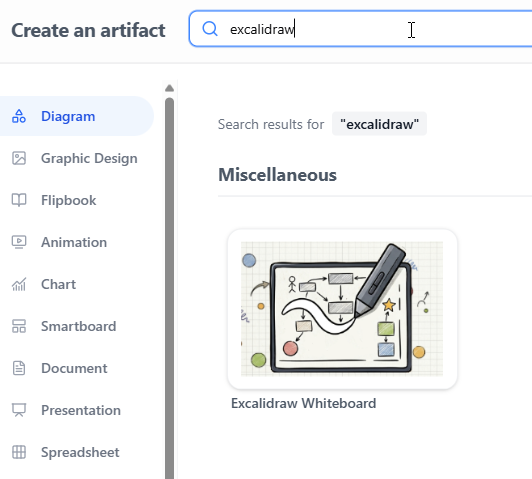
-
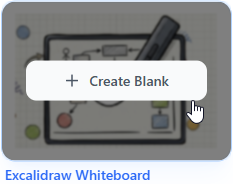
Click on Excalidraw Whiteboard to initialize a blank whiteboard drawing.
-
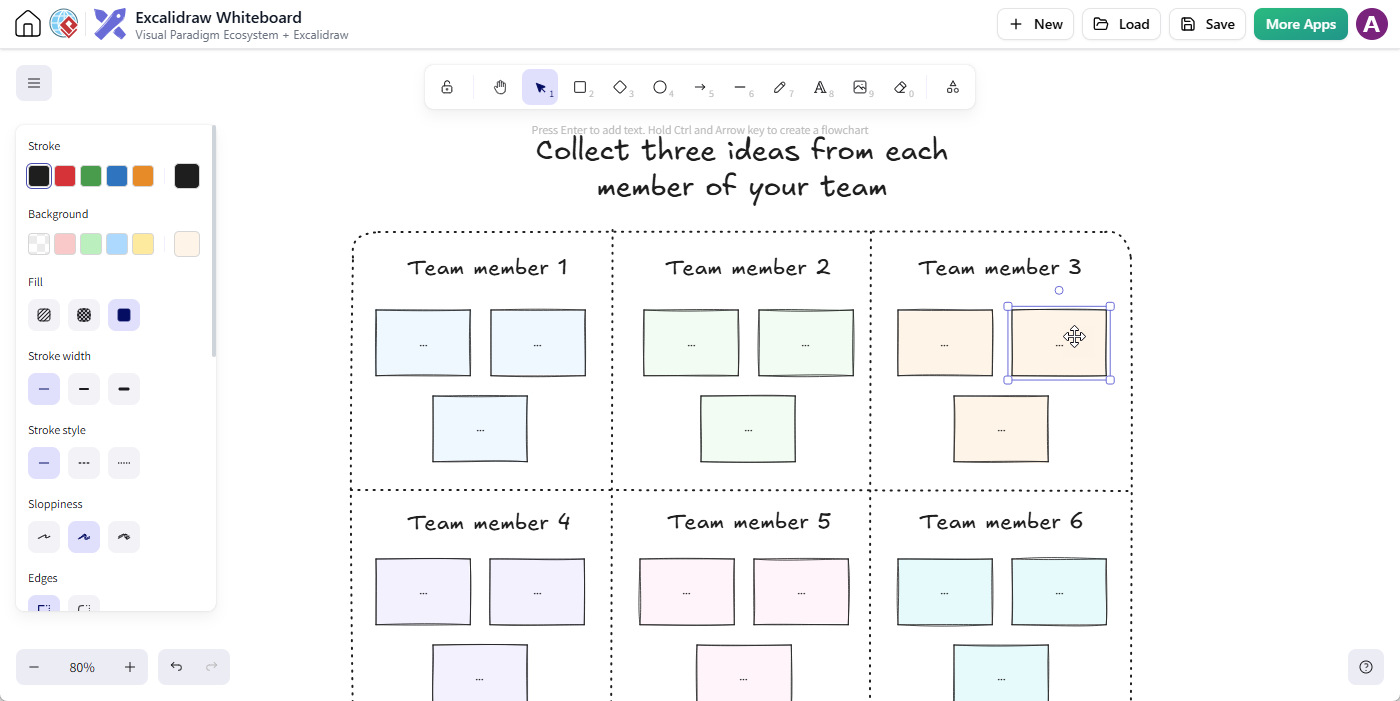
The feature-rich Excalidraw editor will launch instantly, allowing you to start your drawing with shapes, text, arrows, and sticky notes.
-
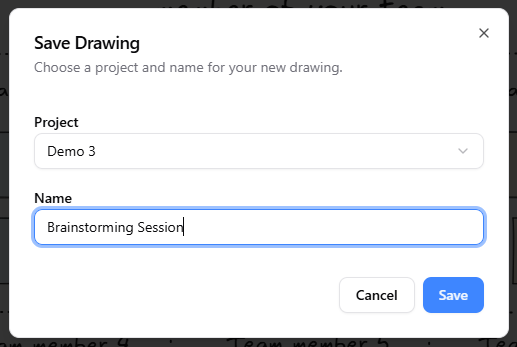
When you are finished, click Save.

In the Save Drawing dialog, select your target project, give your drawing a meaningful filename, and click Save.
-
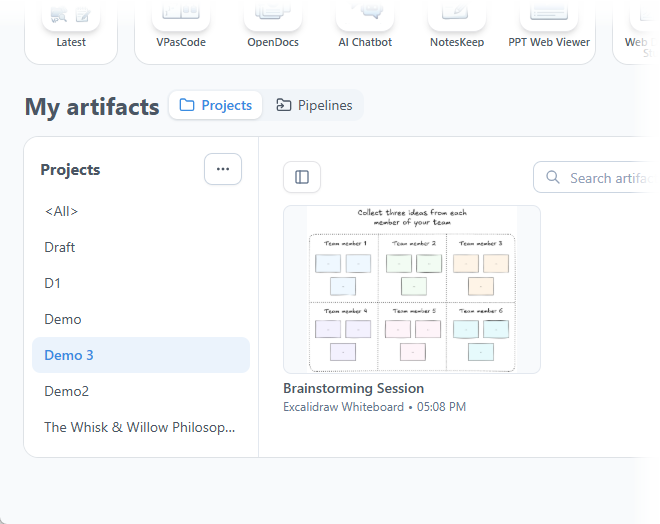
Once saved, your diagram is safely stored in your workspace, ready to be reopened, iterated on, or embedded whenever needed.
Concept 2: Embedding Visuals Directly into OpenDocs
To bring visual clarity straight into your project requirements, user manuals, or Architectural Decision Records (ADRs), you can embed drawings directly on any page. This ensures that the visual context is always present alongside the textual specification.
Workflow Example:
-
Access Visual Paradigm OpenDocs.
-
Create a new page or open an existing one according to your project requirements.
-
Click on Edit at the top right corner of the page.

-
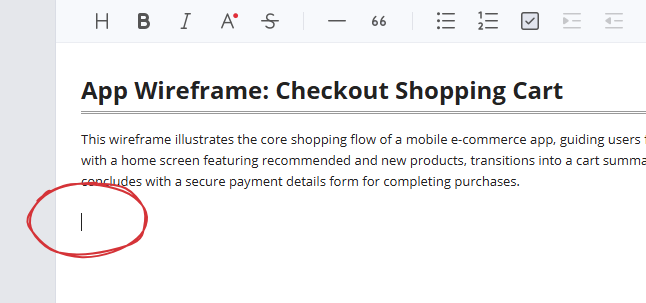
Place your text cursor precisely where you want the diagram to appear.
-
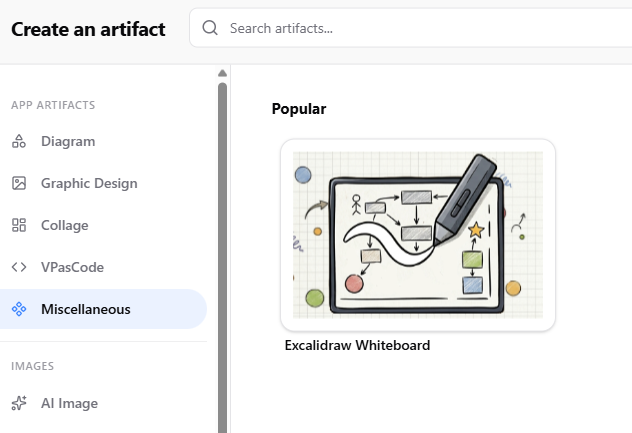
Click on the + button on the toolbar to open the “Create an Artifact” window.

-
On the left-hand menu, select the Miscellaneous category. You will see Excalidraw Whiteboard listed on the right.
-
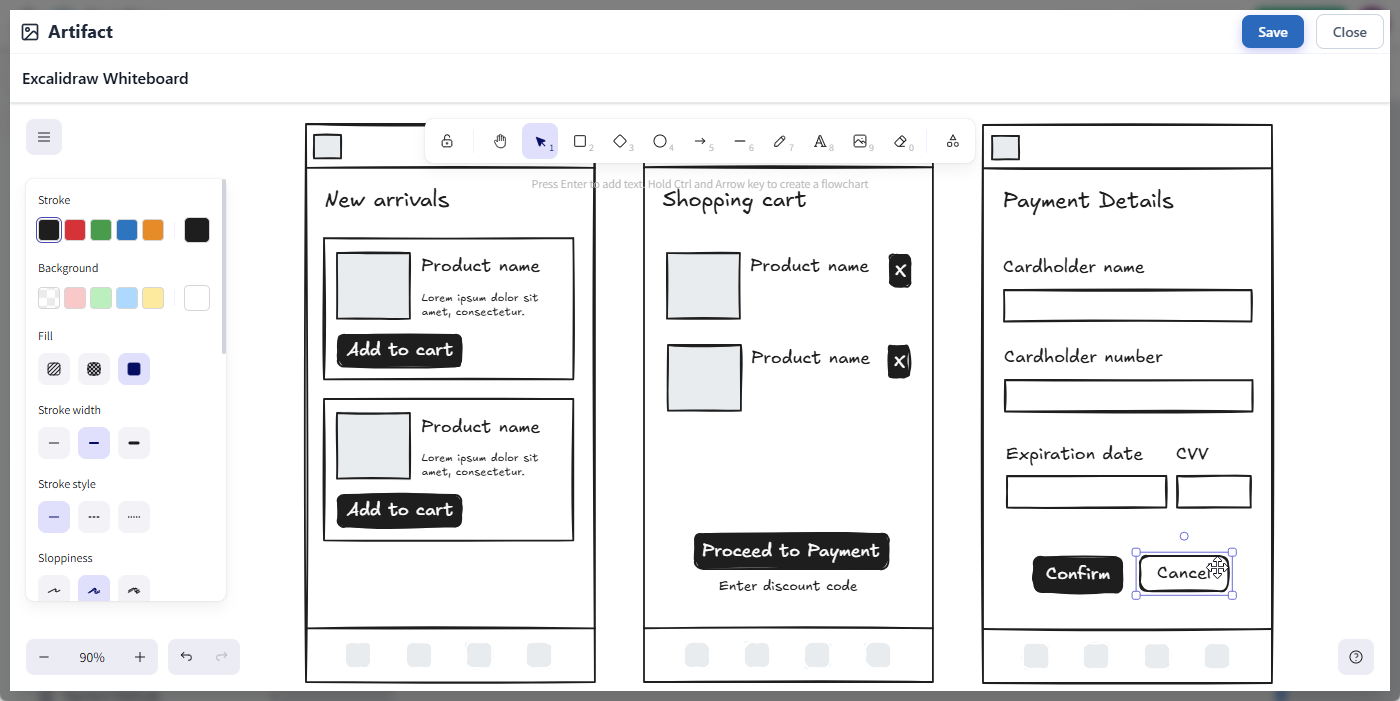
Click on it to launch the Excalidraw editor pop-up and sketch your diagram.
-
When finished editing, click on the Save button at the top right to close the editor and return to your OpenDocs page.
-
Your diagram is instantly inserted right at your cursor position!
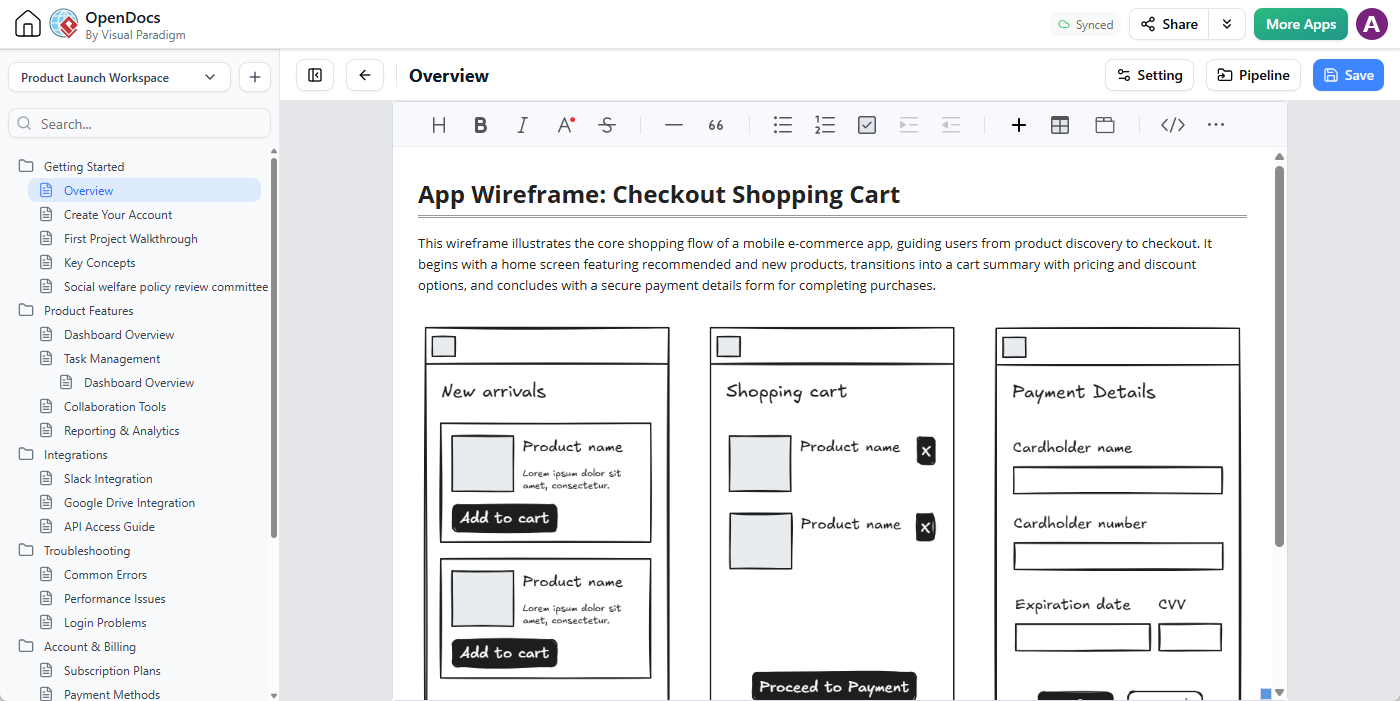
Pro Tip: Need to make changes later? No problem. Simply click on the pencil icon at the top right of the embedded diagram image to reopen the editor, make your adjustments, and click Save to refresh the visual instantly across your page.
Benefits, Review, and Feedback
The integration of Excalidraw into Visual Paradigm offers significant benefits for teams looking to streamline their product lifecycle:
-
Speed to Market: By reducing the time spent on file management and tool switching, teams can move from abstract ideas to executed plans faster.
-
Improved Clarity: Visuals reduce ambiguity in requirements, leading to fewer misinterpretations during development and testing phases.
-
Better Stakeholder Alignment: The hand-drawn style of Excalidraw makes complex technical concepts more digestible for non-technical stakeholders, facilitating smoother review cycles and quicker feedback loops.
Feedback from Early Adopters:
Teams have reported that the ability to edit diagrams directly within their documentation has reduced the number of “outdated spec” complaints by over 50%. Furthermore, the centralized storage in the Unified Platform has made onboarding new team members significantly easier, as all historical design decisions are visually archived and easily searchable.
Conclusion
By uniting robust documentation with flexible visual sketching, Visual Paradigm empowers your team to move from abstract ideas to executed plans faster than ever before. This integration is not just about adding a drawing tool; it’s about creating a seamless environment where creativity and structure coexist. For agile teams, this means less time managing files and more time building great products.
Ready to try it out? Launch Visual Paradigm OpenDocs now and create your first integrated Excalidraw whiteboard! Or open the Excalidraw Whiteboard editor and start your first drawing.