


Introduction
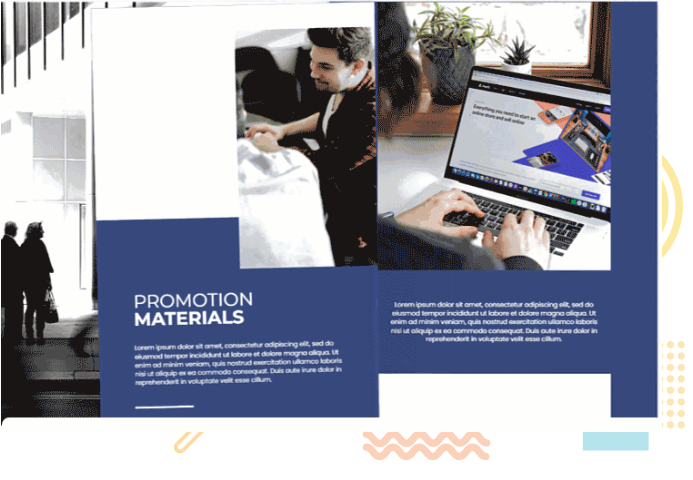
In today’s digital age, traditional printed materials are rapidly being replaced by interactive and engaging online content. Fliplify’s Flipbook Maker (powered by Visual Paradigm) emerges as a powerful tool to revolutionize the way we create, share, and experience digital publications. With a plethora of features designed to enhance user experience and customization, this flipbook maker offers a new dimension to online reading and content sharing.

📚 Product Overview
Fliplify simplifies the process of converting documents into interactive flipbooks, allowing you to upload, read, and share your creations effortlessly. Whether you’re creating catalogs, ebooks, CVs, or photo albums, this platform provides the tools you need to make your content stand out.
🎯 Key Features Breakdown
1. Free Flipbook Creation
-
Create various types of digital publications at no cost
-
Support for catalogs, ebooks, CVs, and photo albums
-
Easy sharing with friends, colleagues, and partners
2. Realistic Page-Flip Experience
-
Professional flipbook maker with realistic page-turning effects
-
Eliminates tedious scrolling
-
Interactive page turning just like a physical book
-
Thumbnail navigation for quick page selection
-
User-friendly interface design
3. Organized Digital Bookshelf
-
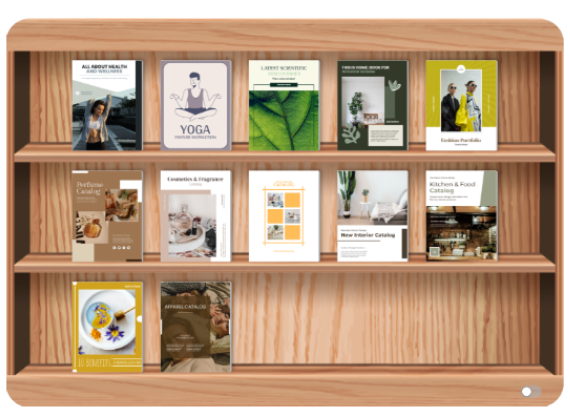
Innovative online bookshelf feature to showcase creations
-
Organized and visually appealing presentation
-
Easy bookshelf management
-
Group books logically
-
Set custom order for easy audience navigation
4. Customizable Bookshelf Themes
-
Multiple theme options to match your content
-
Business-oriented themes
-
Nature-inspired designs
-
Customizable backgrounds
-
Align bookshelf design with book themes
5. Distraction-Free Reading Mode
-
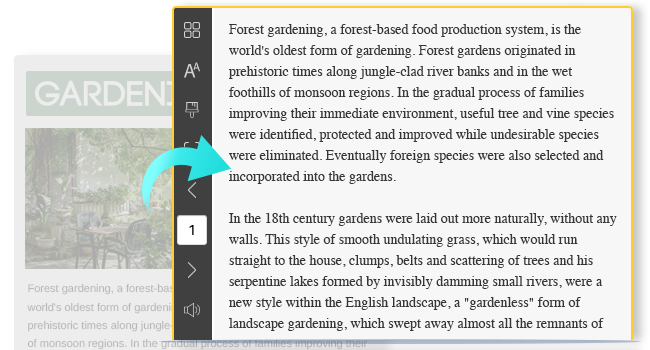
Clean reading environment
-
Eliminates unwanted graphics and ads
-
Focus solely on content
-
Enhanced overall reading experience
6. Complete Design Customization
-
Design eBooks, catalogs, and photo albums from scratch
-
Intuitive visual design tool
-
Create highly customized and unique publications
-
Full creative control over your content
7. Interactive Elements
-
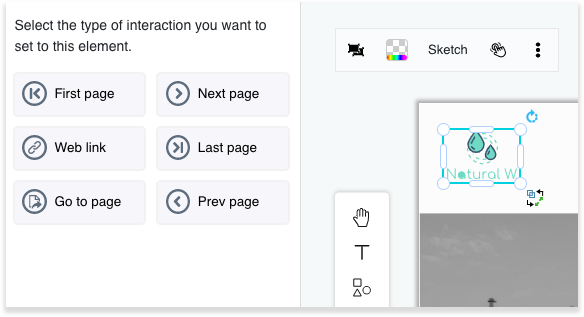
Add clickable elements to your flipbook
-
Access additional content through interactions
-
Open URL links directly from flipbook
-
Excellent for product promotion and branding
-
Enhanced audience engagement
8. Intuitive eBook Creation
-
Goes beyond simple document conversion
-
Create books from scratch
-
Numerous customizable templates as design references
-
Easy sharing in flipbook library
-
User-friendly creation process
9. Extensive Template Library
-
Wide range of book templates including:
-
Reports
-
Booklets
-
Catalogs
-
Lookbooks
-
Photo books
-
And more
-
-
Highly customizable templates
-
Change images, fonts, colors, and composition
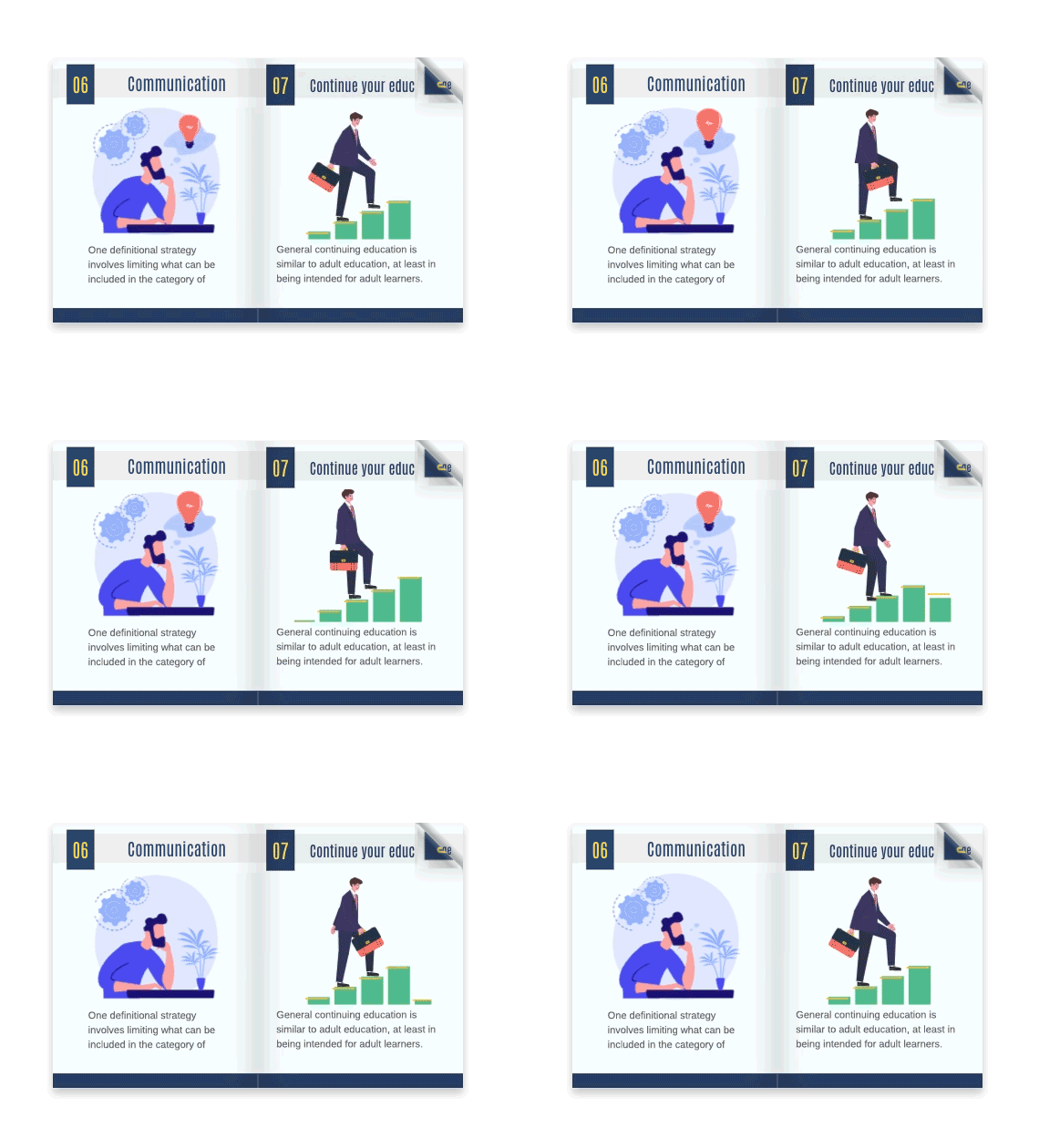
10. Animated Flipbooks
-
Add creative animations to enhance appeal
-
Capture audience attention
-
Maintain engagement throughout content
-
Dynamic visual elements
11. Stunning Page Transitions
-
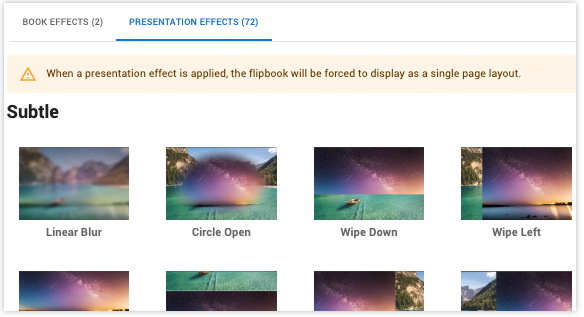
Over 70 transition effects to choose from
-
Customize transition speed
-
Control transition direction
-
Impress your audience
-
Elevate presentations to the next level
12. Massive Design Asset Library
-
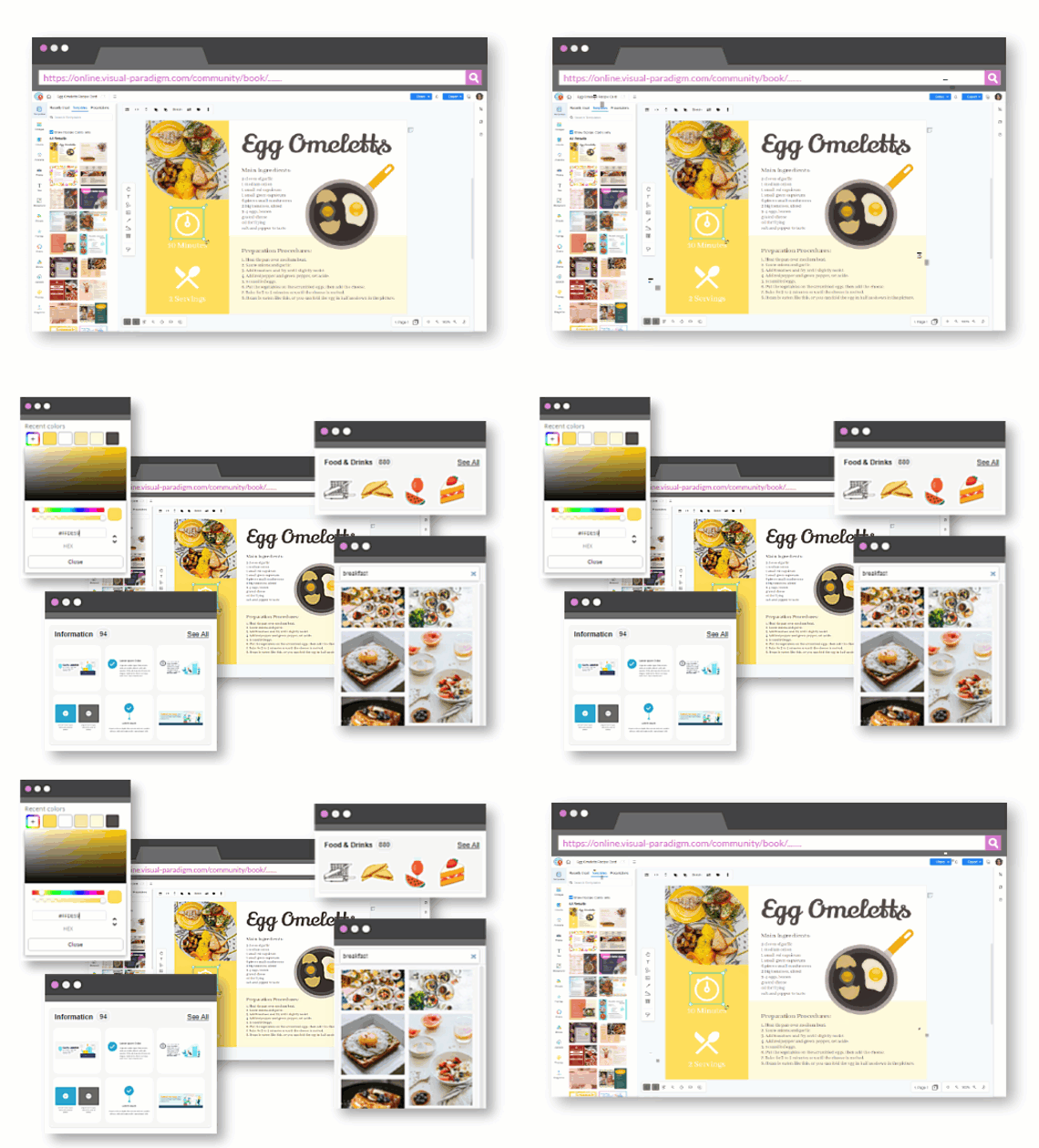
Wide range of design assets including:
-
Photos
-
Artworks
-
InfoArt
-
Charts
-
-
Use for decoration, graphic design, and data visualization
-
Endless creative possibilities
13. Easy Publishing & Sharing
-
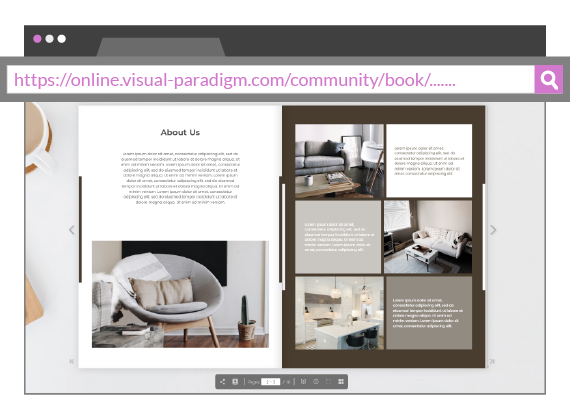
Publish to Visual Paradigm’s online library effortlessly
-
Share publicly or privately
-
Multiple sharing options:
-
URL links
-
Social media
-
Email invitations
-
-
Password protection for content security
🚀 User Experience Journey
Step 1: Getting Started
Begin your journey with Fliplify’s free flipbook maker. Choose from creating catalogs, ebooks, CVs, or photo albums based on your needs.
Step 2: Design & Customize
Utilize the intuitive visual design tool to create your publication from scratch or select from the extensive template library. Customize images, fonts, colors, and composition to match your brand.
Step 3: Add Interactive Elements
Enhance engagement by adding clickable elements, URL links, and animations. Choose from over 70 page transition effects to make your content dynamic.
Step 4: Organize Your Collection
Use the innovative bookshelf feature to showcase your creations. Group books, set their order, and choose themes that align with your content.
Step 5: Publish & Share
Publish your flipbook to the online library and share via URL, social media, or email. Add password protection if needed for private content.
Step 6: Engage Your Audience
Provide readers with a distraction-free reading experience with realistic page-flip effects and thumbnail navigation for easy browsing.
💡 Use Cases
For Businesses:
-
Product catalogs
-
Marketing materials
-
Brand promotions
-
Interactive presentations
-
Corporate reports
For Professionals:
-
Digital portfolios
-
Professional CVs
-
Case studies
-
Lookbooks
-
Business proposals
For Creatives:
-
Photo albums
-
Art portfolios
-
Creative lookbooks
-
Digital magazines
-
Personal projects
For Educators:
-
Educational materials
-
Digital textbooks
-
Training manuals
-
Course catalogs
-
Research publications
✅ Benefits Summary
| Feature | Benefit |
|---|---|
| Free to Use | No cost barrier to entry |
| Realistic Effects | Enhanced user engagement |
| Customization | Brand consistency and uniqueness |
| Interactive Elements | Higher conversion rates |
| Easy Sharing | Wider reach and accessibility |
| Security | Content protection when needed |
| Mobile-Friendly | Access anywhere, anytime |
| No Coding Required | Accessible to all skill levels |
🎯 Why Choose Fliplify?
In an era where digital content is king, Visual Paradigm’s Flipbook Maker empowers users to create captivating and interactive publications that stand out in the crowded online space. Whether you’re a professional looking to showcase your portfolio or a business aiming to create engaging marketing materials, this flipbook maker is a versatile and user-friendly solution that caters to a wide range of needs.
Experience the future of digital publishing with Fliplify’s Flipbook Maker.
📖 References
- Flipbook Maker Category: Browse all articles and resources related to Visual Paradigm’s Flipbook Maker tools and tutorials
- Fliplify Official Website: Access the main Fliplify platform to start creating interactive flipbooks, explore features, and begin your digital publishing journey
- Fliplify’s Flipbook Maker: A Game-Changer for Interactive Content: Original article discussing how Fliplify revolutionizes digital content creation with interactive flipbook technology
- Visual Paradigm Flipbook Maker – Create Interactive Digital Flipbooks: This comprehensive tool allows users to transform static documents like PDFs, PowerPoint presentations, and eBooks into engaging digital flipbooks with realistic page-flipping effects. It supports publishing reports and brochures for seamless web and mobile sharing.
- AI Flipbook Generator: Create & Publish Digital Books Instantly: This advanced generative AI tool enables users to write, design, and publish professional digital flipbooks or storybooks starting from a simple text prompt. It automates the production of visually rich, multi-page stories with AI-generated content and images.
- Comprehensive Guide to Fliplify: Creating Interactive Flipbooks: This technical resource provides detailed instructions on using Fliplify within the Visual Paradigm Online platform to enhance digital publishing workflows. It focuses on leveraging the tool’s specialized features to build discoverable and impactful online entities.
- Creating Animated Content for Flipbooks with Visual Paradigm Online: This guide explains how creators can generate animated content specifically for flipbooks to increase reader engagement. It details the selection of tools and the process required to build visually dynamic publications.
- Transform Your Digital Publishing with Fliplify: This article highlights how Fliplify acts as a game-changer for the industry by offering more than 70 impressive page transition effects. These dynamic transitions help digital publications stand out from static competitors.
- Free PDF to Flipbook Converter Tutorial: This practical tutorial guides users through converting a PDF into a wonderful flipbook in just a few clicks. It demonstrates how the tool allows readers to interact with documents straight from their browser.
- Corporate Branding and Customization in Flipbooks: This resource explains how to integrate corporate branding elements, such as logos and specific color schemes, to maintain a consistent professional identity. It explores the extensive customization options available to tailor publications to specific project needs.
- Why Visual Paradigm Online’s Flipbook Maker Stands Out: An analysis of how this tool is uniquely suited for professional use, such as creating interactive KPI presentations and financial reports. It also highlights its utility as a free tool for educational purposes and student projects.
- AniFuzion and Fliplify Integration for Dynamic Content: This guide showcases the synergy between the AniFuzion animation tool and Fliplify, allowing users to create captivating animated videos that are then presented in interactive flipbook formats. The integration brings game-engine grade capabilities to users with minimal technical skills.
- Flipbook Maker Quick Start Guide for New Users: A beginner-friendly resource that walks new creators through the essential steps to design and share their first flipbook. It includes tips on using the design library and assets to accelerate the creation process.
Related posts:
 🎬 The Complete User Journey: Creating Animated Flipbooks with Visual Paradigm Online’s Flipbook Maker
 Comprehensive Guide to Creating Animated Content for Flipbooks with Visual Paradigm Online’s Flipbook Maker
 The Complete Non-IT Professional’s Journey to Mastering Fliplify Flipbook Tool
 📝 Comprehensive Guide: Adding Annotations to Flipbooks in Visual Paradigm Online