
Software architecture relies on clear communication. As systems grow in complexity, the need for precise process modeling becomes critical. UML activity diagrams remain a cornerstone of this visual language. However, the methods used to create and maintain them have shifted significantly. Modern agile teams require models that support iteration, collaboration, and speed. This guide examines the trajectory of activity diagrams within contemporary development environments.
Understanding the evolution from rigid documentation to dynamic workflow tools is essential for architects and developers. The core function of the activity diagram is to describe the flow of control from one activity to another. In the past, these were often static artifacts created early in the lifecycle. Today, they serve as living documents that guide continuous delivery.
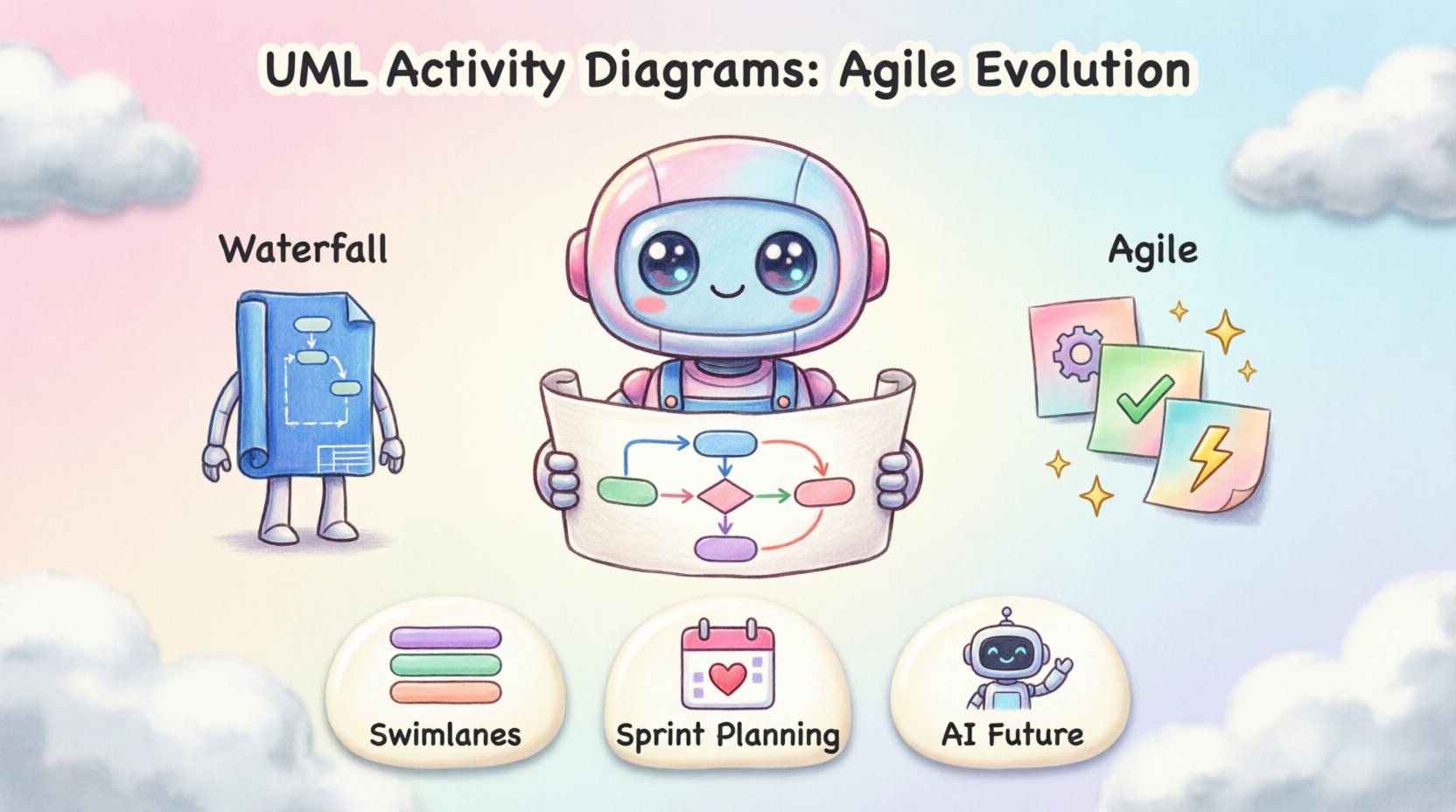
From Waterfall to Agile: A Structural Shift 🔄
The history of modeling reflects the broader history of software development. Initially, models were created to define requirements before a single line of code was written. This approach suited the waterfall methodology, where phases were distinct and sequential. Activity diagrams in this era acted as blueprints. Once construction began, changes were costly and rare.
Agile methodologies changed this dynamic. Iterative cycles mean requirements evolve constantly. A static diagram created at the start of a project becomes obsolete quickly. Modern teams need diagrams that reflect the current state of the system. This requires a shift in mindset regarding fidelity and maintenance.
- Waterfall Approach: Diagrams were comprehensive, detailed, and created upfront. They served as legal contracts between stakeholders and developers.
- Agile Approach: Diagrams are lightweight, updated regularly, and serve as communication aids. They focus on specific user stories or features rather than the entire system at once.
This transition does not mean diagrams are discarded. Instead, their purpose changes. They are no longer about proving a design is perfect. They are about ensuring the team understands the logic during a sprint. The focus moves from documentation for approval to documentation for understanding.
Core Components in a Modern Context 🛠️
Despite changes in methodology, the fundamental elements of the activity diagram remain consistent. Understanding these components is vital for adapting them to agile workflows. The diagram relies on specific notations to represent logic, decision points, and concurrency.
Swimlanes and Responsibilities
Swimlanes organize activities by participant. In a monolithic system, this might represent different subsystems. In microservices or agile teams, swimlanes often represent different teams or user roles. This visual separation clarifies who is responsible for specific actions. It helps identify handoff points where communication breakdowns frequently occur.
- System Swimlanes: Separate logic for backend services, frontend interfaces, and external APIs.
- Team Swimlanes: Distinguish between frontend developers, backend engineers, and QA testers.
- User Swimlanes: Illustrate the interaction between the human user and the automated system.
Control and Object Flows
Control flow represents the order of execution. It is the backbone of the diagram. Object flow represents the data moving between activities. In modern systems, data flow is often more critical than control flow. APIs exchange payloads constantly. Modeling how data transforms as it passes through services provides clarity on data integrity.
Guard conditions determine which path the flow takes. These are logical expressions that must be true to proceed. In agile modeling, guard conditions often map directly to acceptance criteria. This alignment ensures the diagram remains relevant to the testing phase.
Fork and Join Nodes
Concurrency is a key feature of modern distributed systems. Fork nodes split a flow into parallel threads. Join nodes synchronize these threads before continuing. Visualizing parallel processing helps teams identify race conditions and bottlenecks early. It is essential for understanding performance characteristics.
Integration with Agile Workflows 📅
Integrating diagrams into agile processes requires specific strategies. The goal is to add value without creating overhead. Teams must decide when to diagram and when to rely on code. Activity diagrams fit best where logic is complex enough to warrant visualization but simple enough to change.
Backlog Refinement
During backlog refinement, teams break down large epics into user stories. Activity diagrams can clarify the flow of a specific story. This helps the team estimate effort more accurately. If a story requires complex branching logic, the diagram exposes that complexity during estimation.
- Clarification: Resolve ambiguities in acceptance criteria.
- Estimation: Visualize the number of steps involved in a process.
- Identification: Spot edge cases that might have been missed in text descriptions.
Sprint Planning
Once a story is selected for a sprint, the diagram serves as a guide for implementation. Developers use it to understand the sequence of operations. It acts as a shared reference point during pair programming. If a developer encounters a logic block, they can refer to the diagram to see the intended flow.
Continuous Integration
Automated testing often relies on defined paths. Activity diagrams can map to test cases. Each path through the diagram represents a potential test scenario. This alignment ensures that testing covers the entire logical flow. It bridges the gap between design and verification.
Challenges in Modern Adoption ⚠️
Despite the benefits, adopting activity diagrams in agile teams faces hurdles. The primary challenge is maintenance. If the code changes and the diagram does not, the diagram becomes misleading. This leads to distrust in the model.
- Over-Engineering: Creating highly detailed diagrams for simple logic wastes time. Teams must balance detail with speed.
- Tooling Friction: Complex modeling tools can slow down the workflow. Simplicity is preferred over feature richness.
- Collaboration Gaps: If only architects create diagrams, the team loses ownership. Everyone should be able to read and contribute.
Best Practices for Teams 📝
To succeed, teams must adopt specific practices that prioritize utility over formality. The diagram must serve the developer, not the manager.
Keep it Lightweight
Use standard notation without unnecessary embellishments. Avoid custom shapes that require training to understand. Stick to the basics: activities, arrows, diamonds, and bars. The faster a team can read the diagram, the more useful it is.
Version Control
Diagrams should live in the same repository as the code. This ensures they are versioned alongside the implementation. When a feature branch is merged, the diagram should be updated. This practice treats diagrams as code.
Focus on the Critical Path
Do not diagram every single branch of logic. Focus on the happy path and the major error scenarios. Edge cases can be handled in unit tests. The diagram should show the primary flow of value.
Comparison: Traditional vs. Modern Modeling
The table below highlights the differences between legacy practices and current agile approaches.
| Aspect | Traditional Modeling | Modern Agile Modeling |
|---|---|---|
| Timing | Created before coding begins | Created or updated during development |
| Detail Level | High detail, comprehensive | Low to medium detail, focused |
| Maintenance | Periodic updates, often neglected | Continuous, tied to code commits |
| Primary Audience | Stakeholders and management | Developers and QA engineers |
| Format | Static documents or PDFs | Living files in version control |
| Goal | d>Validation of requirementsFacilitation of implementation |
Future Trends and Automation 🤖
The future of activity diagrams lies in automation and integration. As tools evolve, the manual effort required to maintain diagrams will decrease. This shift allows teams to focus on logic rather than drawing lines.
Model-Driven Development
Model-driven development uses diagrams to generate code skeletons. While not universal, this approach is gaining traction. It ensures the implementation matches the design. If the code deviates, the model can highlight the discrepancy.
AI-Assisted Modeling
Artificial intelligence can analyze codebases and suggest activity diagrams. This reduces the burden on architects. The system can identify control flows and suggest visual representations. Humans then review and refine these suggestions. This hybrid approach combines machine speed with human judgment.
Real-Time Synchronization
Future tools will link diagrams directly to running systems. Metrics from the live environment can update the diagram. This provides visibility into actual performance versus design expectations. Teams can see where the flow slows down in production.
Maintaining Living Documentation 📖
The concept of living documentation is central to the future of UML. A diagram that is not updated is technical debt. Teams must establish a culture where diagrams are treated as valuable assets.
- Onboarding: New hires use diagrams to understand the system quickly.
- Refactoring: Before changing code, update the diagram to plan the impact.
- Onboarding: New hires use diagrams to understand the system quickly.
- Refactoring: Before changing code, update the diagram to plan the impact.
Regular reviews ensure the diagrams remain accurate. During retrospectives, teams can assess if the diagrams helped or hindered. If they were ignored, the team must decide if they should be removed or improved.
Conclusion on Evolution and Value 🏁
The role of UML activity diagrams is not static. They evolve alongside the teams that use them. The shift from rigid documentation to dynamic workflow tools represents a maturation of engineering practices. Teams that embrace this shift gain clarity, reduce errors, and improve collaboration.
Success depends on discipline. Diagrams must be kept in sync with the code. They must be simple enough to read and detailed enough to be useful. By following best practices and leveraging new tools, teams can harness the power of activity diagrams without slowing down.
Looking ahead, integration with automation and AI will further reduce friction. The goal remains the same: clear communication of complex logic. Whether drawn manually or generated by algorithms, the activity diagram serves as a bridge between thought and execution. As long as software requires structure, these diagrams will remain relevant.