
Now Reading: 🎬 The Complete User Journey: Creating Animated Flipbooks with Visual Paradigm Online’s Flipbook Maker
-
01
🎬 The Complete User Journey: Creating Animated Flipbooks with Visual Paradigm Online’s Flipbook Maker


🎬 The Complete User Journey: Creating Animated Flipbooks with Visual Paradigm Online’s Flipbook Maker
Your step-by-step experience guide from discovery to mastery
🗺️ Your Journey Map at a Glance
Discovery → Onboarding → Design → Animate → Publish → Analyze → Master
🌟 Phase 1: Discovery – Why This Tool?
Before diving in, understand what makes Visual Paradigm Online’s Flipbook Maker the right choice for your animated content goals.
✅ Key Differentiators That Matter to You
| Feature | Your Benefit |
|---|---|
| Realistic Page-Flip Effect | Creates an immersive, physical-book experience that boosts reader engagement and retention |
| Customization & Creativity | Design from scratch or use templates—your brand, your rules |
| Interactive Multimedia Integration | Embed videos, audio, GIFs, and links to transform static pages into dynamic experiences |
| SEO & Analytics Integration | Get discovered via search engines and measure what resonates with your audience |
| Versatile File Format Support | Convert PDFs, Word, PPT, images, and eBooks effortlessly |
| Self-Hosting Options | Maintain full control, security, and branding on your own domain |
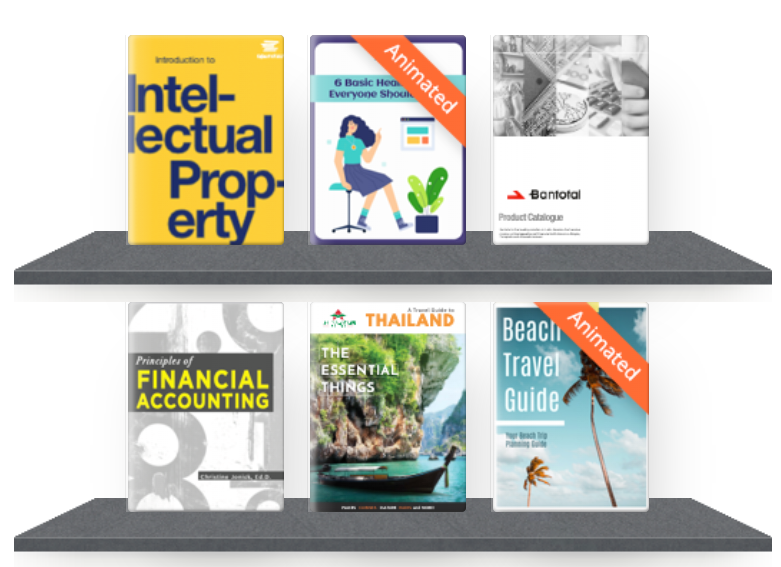
💡 User Insight: The realistic page-turning effect isn’t just aesthetic—it psychologically increases time-on-page by making digital content feel tangible and trustworthy.
🚀 Phase 2: Onboarding – Your First 10 Minutes
Step 1: Get Access
-
Sign up for your free account
-
Log in to access your personalized dashboard
Step 2: Quick Orientation
-
Explore the Quick Start Guide to understand the interface
-
Watch the 3-minute tutorial video (available on dashboard)
-
Try the “Sample Project” to experience the workflow hands-on
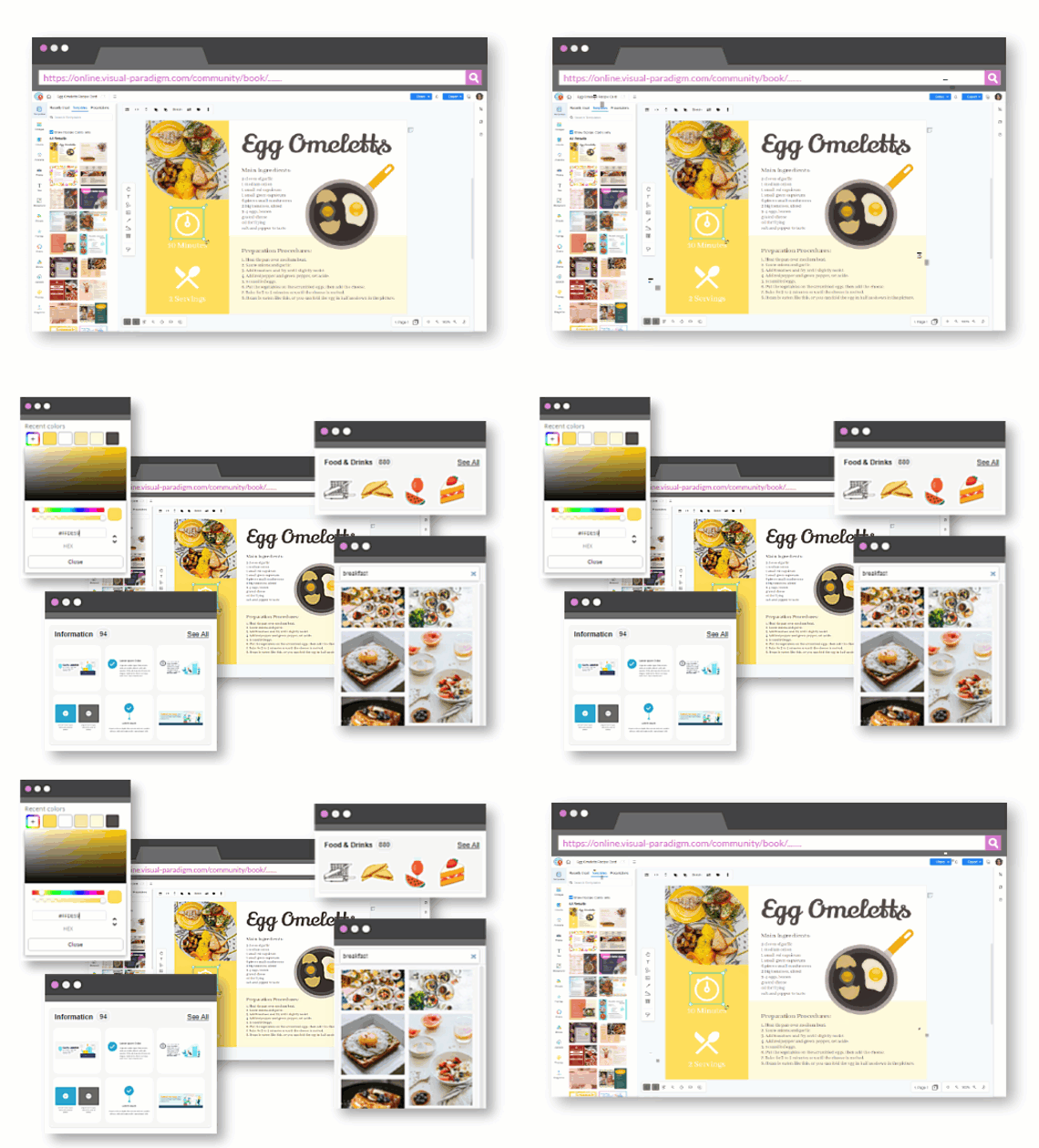
🎯 Pro Tip: Bookmark the Community Book—it’s your ongoing reference for advanced techniques and troubleshooting.
🎨 Phase 3: Design – Crafting Your Visual Foundation
Choose Your Starting Point
-
Template Library: Browse professionally designed templates categorized by use case (lookbooks, manuals, prospectuses, etc.)
-
Blank Canvas: Start fresh if you have existing brand guidelines
Customize with Confidence
Using the intuitive drag-and-drop editor:
-
Adjust layouts, color schemes, and typography
-
Upload your logo and brand assets
-
Set page dimensions optimized for desktop, tablet, and mobile
Template Inspiration Gallery

How Did Trick-or-Treat Became A Halloween Custom? (edit this template)
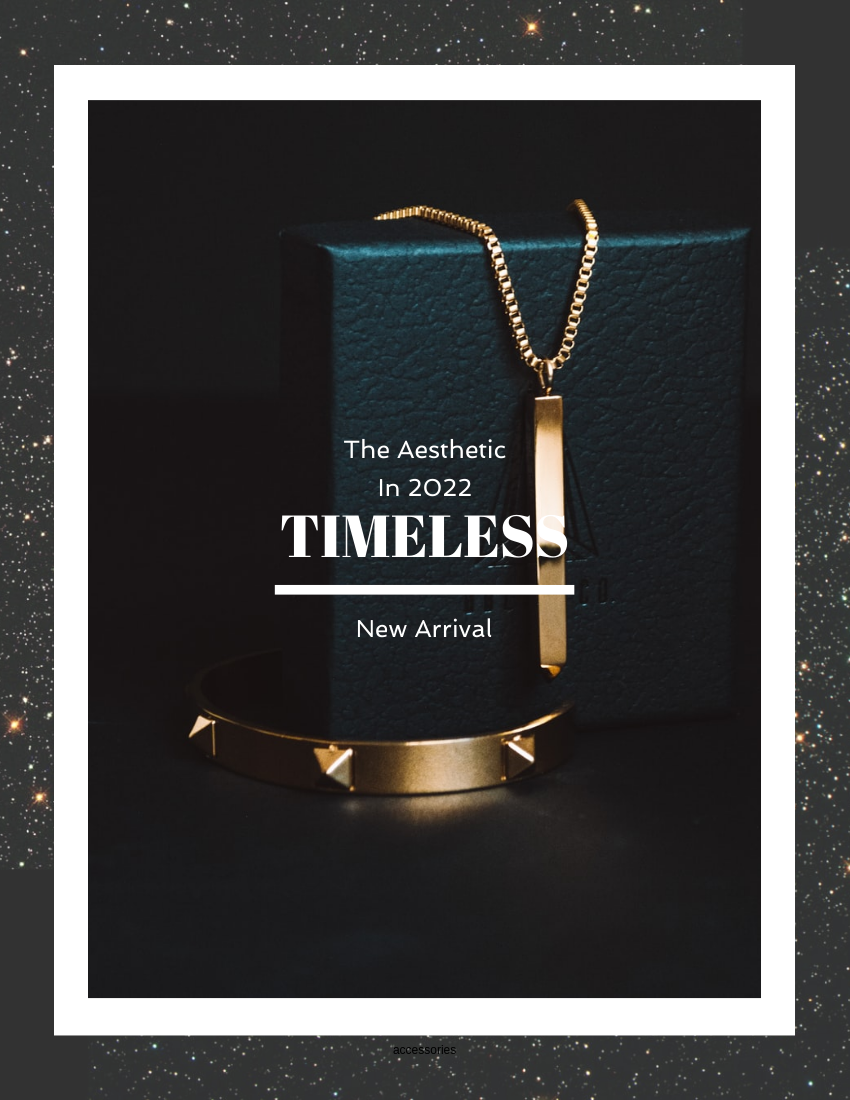
Elegant Accessories Lookbook (edit this template)
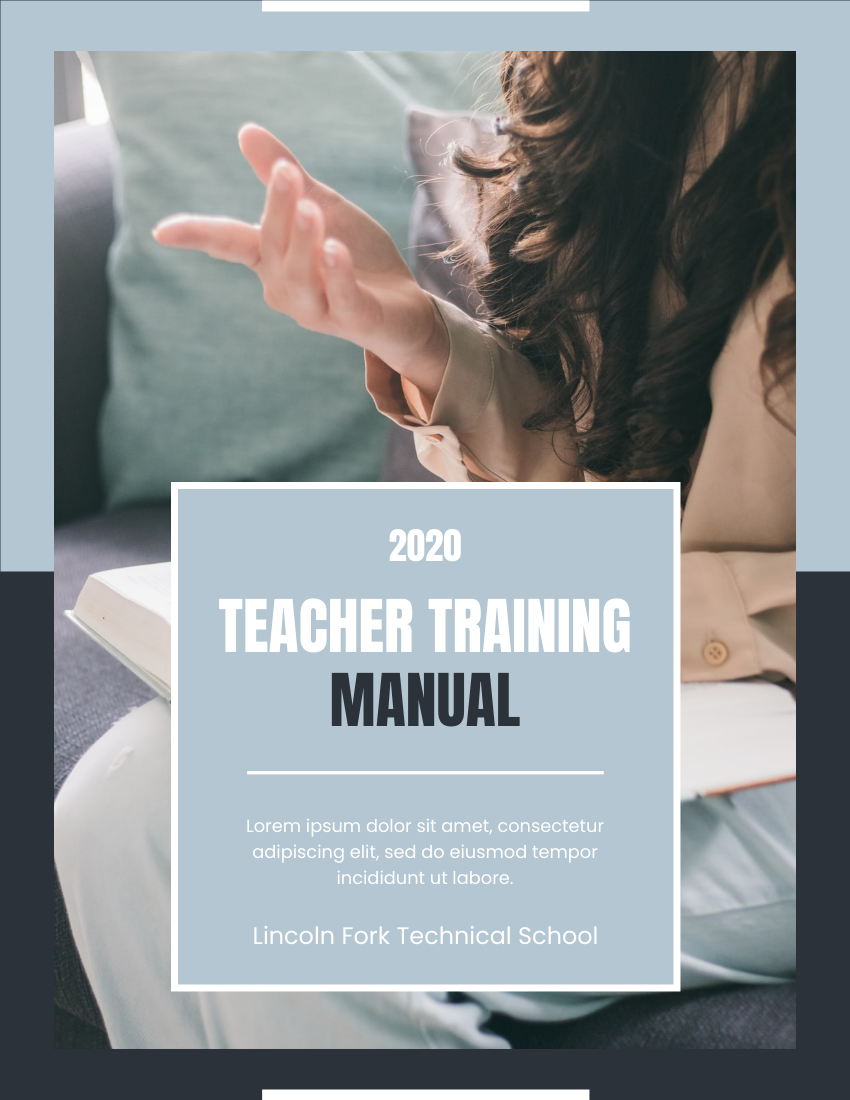
Teaching Training Manual (edit this template)
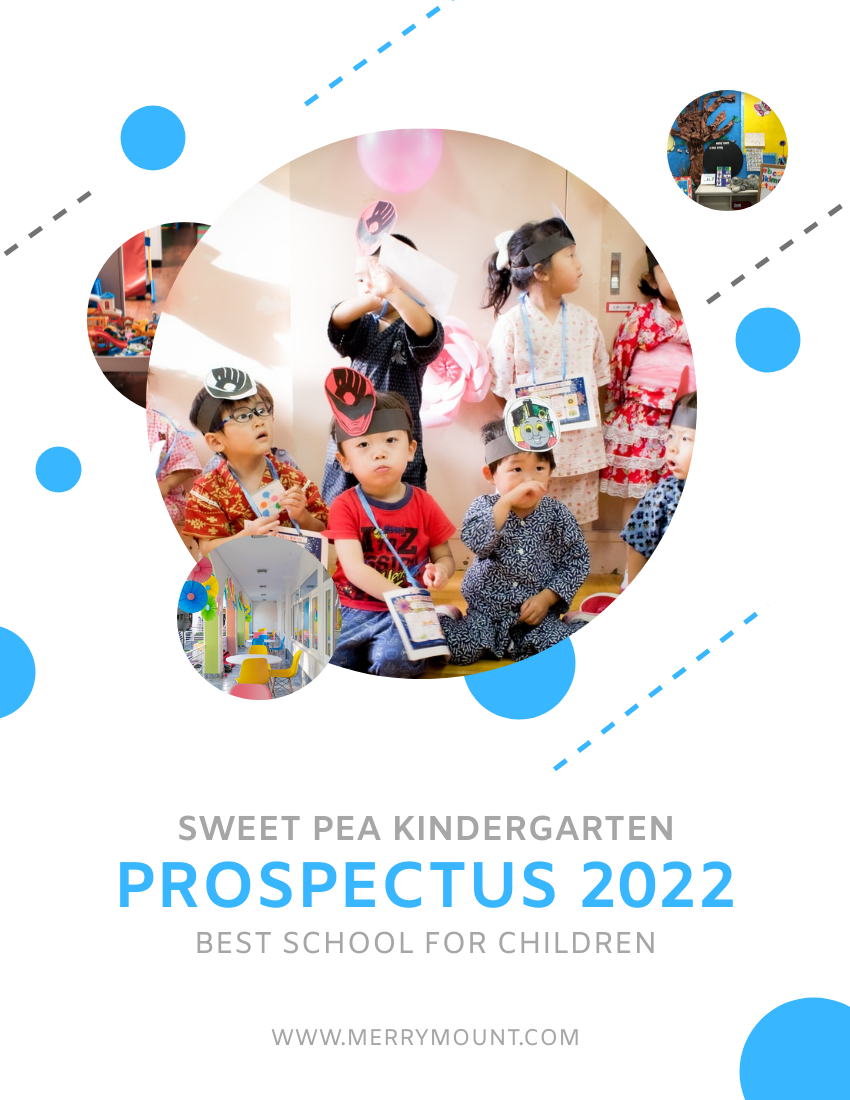
Professional Kindergarten Prospectus (edit this template)
✨ Design Principle: Consistency builds credibility. Use your brand’s color palette and fonts across all pages for a polished, professional result.
✨ Phase 4: Animation & Interactivity – Bringing Content to Life
Layer 1: Multimedia Integration
Embed engaging elements directly into pages:
-
🎥 Videos: Product demos, testimonials, tutorials
-
🔊 Audio: Narration, background music, sound effects
-
🎞️ Animated GIFs: Micro-animations for visual interest
-
🔗 Interactive Links: Navigate within flipbook or to external resources

Layer 2: Advanced Animations with AniFuzion
Elevate engagement with character-driven animation:
-
Add 2D and 3D animated characters from the AniFuzion library
-
Customize character actions, expressions, and movements
-
Sync animations with page transitions or user interactions
Layer 3: Dynamic Element Animations
Use Fliplify’s animation tools to:
-
Animate text entrances (fade, slide, typewriter effects)
-
Add motion to images and shapes (bounce, pulse, rotate)
-
Create scroll-triggered animations for storytelling flow
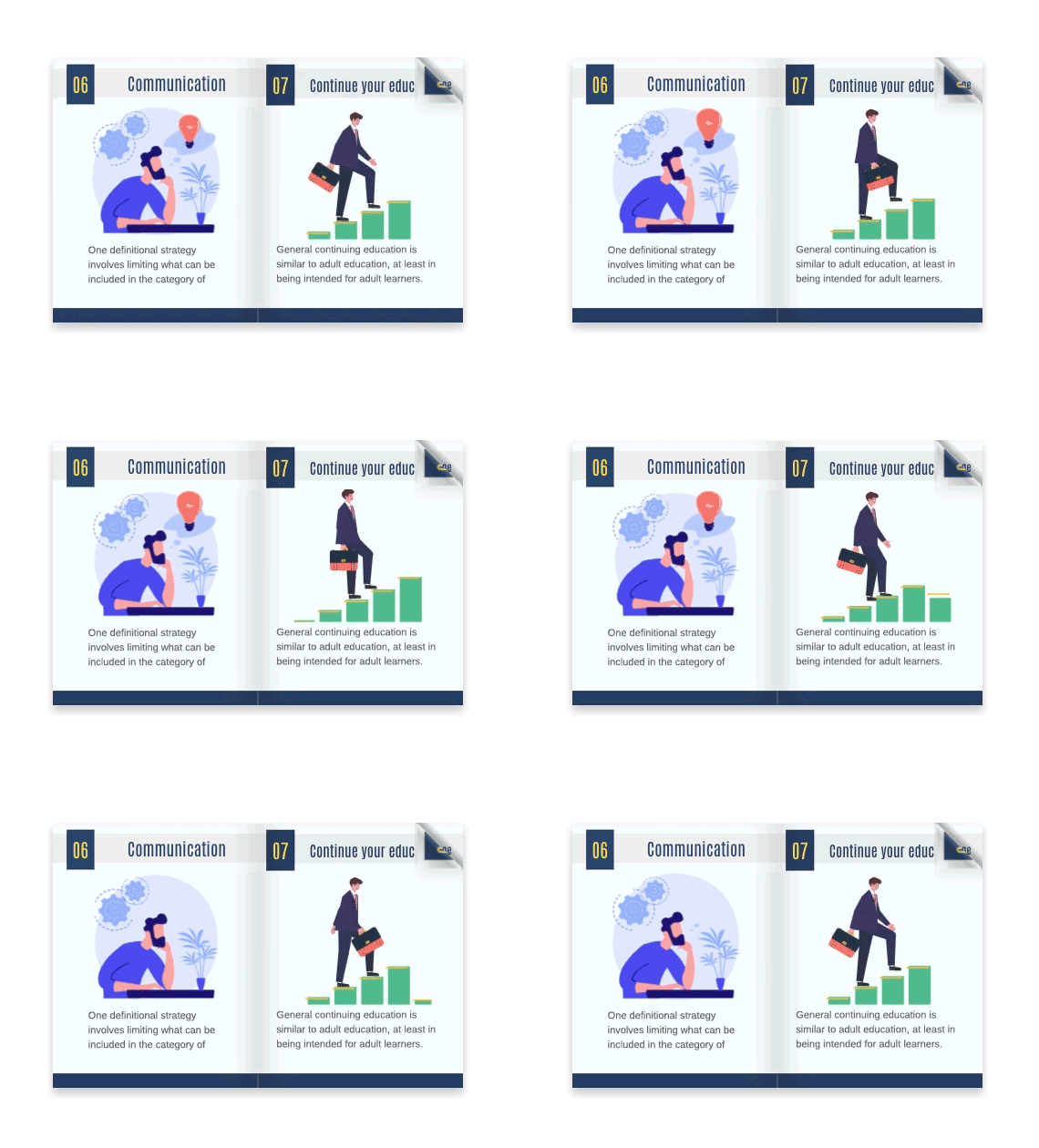
🎬 Animation Best Practice: Less is more. Use animations purposefully to guide attention—not to distract. Test on mobile to ensure smooth performance.
📤 Phase 5: Publishing & Distribution – Share Your Masterpiece
Publish Options
| Option | Best For | Key Benefit |
|---|---|---|
| Visual Paradigm Hosting | Quick launch, beginners | Zero setup, automatic updates |
| Self-Hosting | Brands, enterprises | Full control, custom domain, enhanced security |
| Embed Code | Websites, blogs | Seamless integration with existing content |
Sharing Strategies
-
📱 Social Media: Generate preview cards with compelling thumbnails
-
✉️ Email Campaigns: Include direct links with UTM parameters for tracking
-
🌐 Website Embed: Use responsive iframe code for mobile-friendly display
-
🔗 QR Codes: Print-friendly codes for offline-to-online engagement
📈 Distribution Tip: Create unique tracking links for each channel to measure which platforms drive the most engagement.
📊 Phase 6: Analytics & Optimization – Learn and Improve
Built-in Analytics Dashboard
Monitor key performance indicators:
-
👁️ Page Views: Which pages capture attention?
-
⏱️ Time on Page: Where do readers linger?
-
🔗 Click-Through Rates: Which links drive action?
-
📱 Device Breakdown: Optimize for your audience’s preferred devices
Google Analytics Integration
-
Connect your GA4 property for advanced segmentation
-
Track conversions, user journeys, and campaign performance
-
Export data for stakeholder reporting
Optimization Cycle
Review Analytics → Identify Drop-off Points → A/B Test Changes → Measure Impact → Iterate
🔍 Data Insight: Pages with embedded video typically see 2.3x longer engagement times. Place high-value content after interactive elements to maximize retention.
🏆 Phase 7: Mastery – Advanced Techniques & Growth
Pro Workflows
-
Batch Publishing: Create multiple flipbooks from a single content library
-
Version Control: Maintain drafts, publish updates, and archive older versions
-
Collaboration: Invite team members with role-based permissions (editor, reviewer, publisher)
Creative Expansions
-
Infographic-Style Flipbooks: Combine data visualization with interactive storytelling
-
Micro-Learning Modules: Break training content into swipeable, animated lessons
-
Product Catalogs: Add “Add to Cart” buttons and real-time inventory links
Community & Support
-
Join the Visual Paradigm Community for peer tips and feature requests
-
Access video tutorials, webinars, and live chat support
-
Contribute templates to the public library for brand exposure
📚 Reference Resources
Visual Paradigm Online Flipbook Maker: The core platform for creating, customizing, and publishing interactive digital flipbooks with professional-grade tools.
Flipbook Maker Quick Start Guide: A step-by-step beginner’s resource covering dashboard navigation, template selection, and first-project publishing.
Free Online Flipbook Maker: Feature overview detailing how to convert documents into interactive flipbooks with multimedia and animation capabilities.
Setting the Standard for Digital Publishing: Blog post exploring the competitive advantages and innovative features that differentiate Visual Paradigm’s solution.
The Ultimate Online Flipbook Creator: Guide to integrating AniFuzion’s 2D/3D animated characters into flipbooks for enhanced storytelling and engagement.
Flipbook Creator and PDF Editing Features: Comprehensive feature catalog including animation tools, multimedia support, SEO settings, and self-hosting options.
Creating Infographic-Style Flipbooks: A Step-by-Step Guide with Fliplify: Tutorial on designing data-rich, visually compelling flipbooks that simplify complex information.
How Did Trick-or-Treat Became A Halloween Custom? Template: Editable educational booklet template ideal for cultural content, history lessons, or seasonal marketing.
Elegant Accessories Lookbook Template: Fashion-forward template designed for product catalogs, brand lookbooks, and e-commerce showcases.
Teaching Training Manual Template: Structured template for corporate training, educational curricula, or procedural documentation with interactive elements.
Professional Kindergarten Prospectus Template: Child-friendly, visually engaging template for schools, daycare centers, or family-oriented services.
🎯 Your Next Step
Ready to transform your content into an animated, interactive experience?
👉 Start Creating Your Flipbook Today
No credit card required • Free tier available • Upgrade anytime
💬 Final Thought: Great flipbooks aren’t just about flipping pages—they’re about creating moments of delight, discovery, and connection. With Visual Paradigm Online’s Flipbook Maker, you have the tools to turn every page into an opportunity.
Happy flipping! 📘✨